If you are a business owner and you want to get connected with your customers/clients, so that every call matters. At Ringopus, we understand the value of seamless connectivity, and our Call Waiting feature ensures that you stay in control, even when lines get busy, because missing a call can mean missing a possibility, especially from a client or partner.
Call Waiting is a game-changer and there are many benefits like No Missed Opportunities, Enhanced Professionalism, Better Call Management, Boosts Productivity, and Improved Customer Satisfaction but there are three main points.

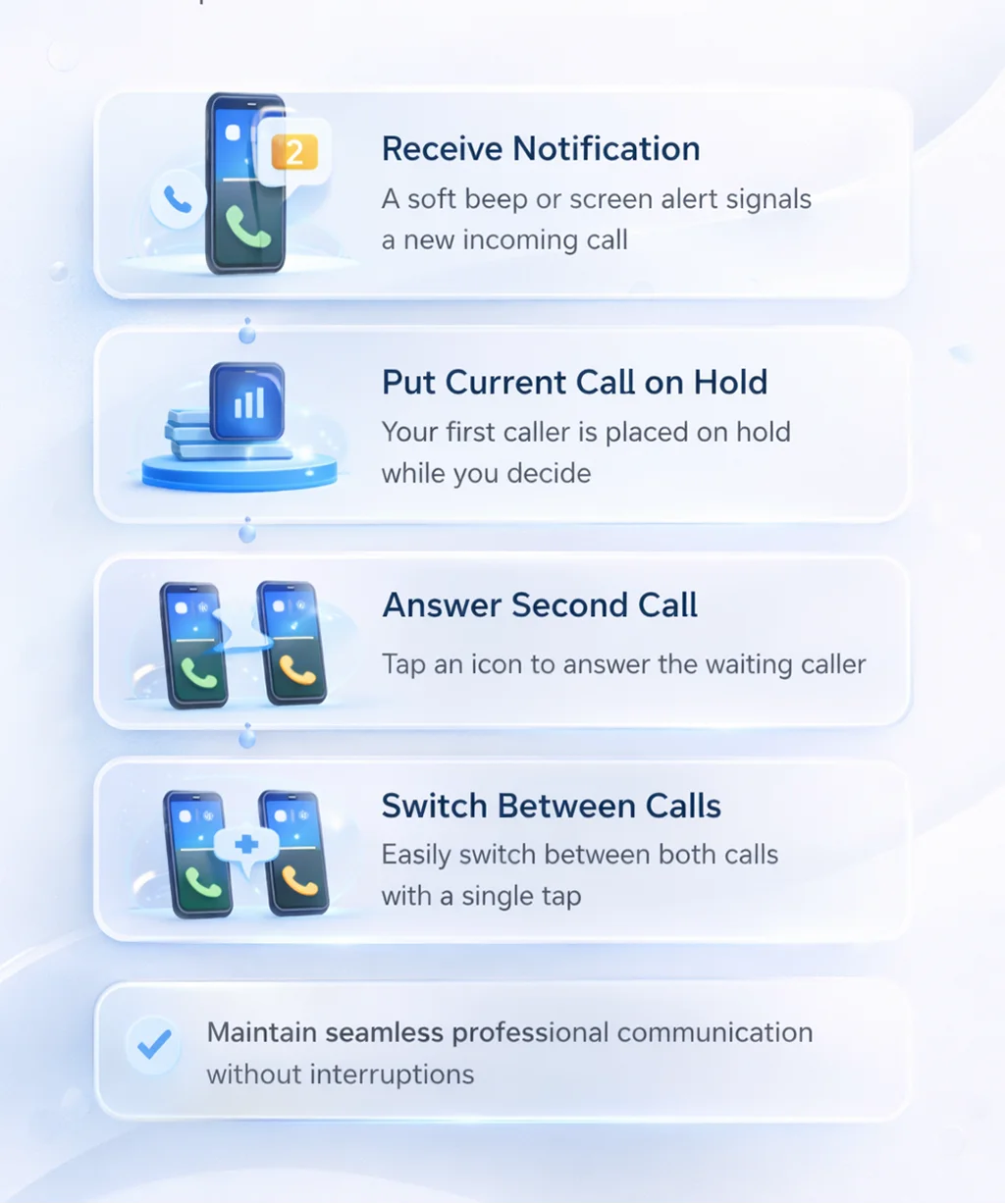
You are getting a notification for a second incoming call through while you are talking with your customer.

You are given a window of option to determine if you wish to answer the second call. You can either send the second caller to voicemail or put the current caller on wait rather than hanging up.

Thanks to call waiting, you have the freedom to answer calls whenever you want.

Get a Notification about a new incoming call while on another call.

All calls will be recorded as the user will not be able to start, stop, pause, or restart any incoming or outgoing calls.
We will always give preference to confidentiality and compliance, so the Option for downloading the recording will be available as per role because only authorised personnel can view or download recordings.
When you activate the Call Waiting feature through your Ringopus dashboard or phone settings, your system will automatically detect any new incoming calls. The call Waiting feature will notify you with a soft beep or screen notification, and you can take action for waiting calls, like-
This feature ensures that you will not miss any important calls and no caller feels ignored or unimportant, also helps to maintain professional communication without interruptions.